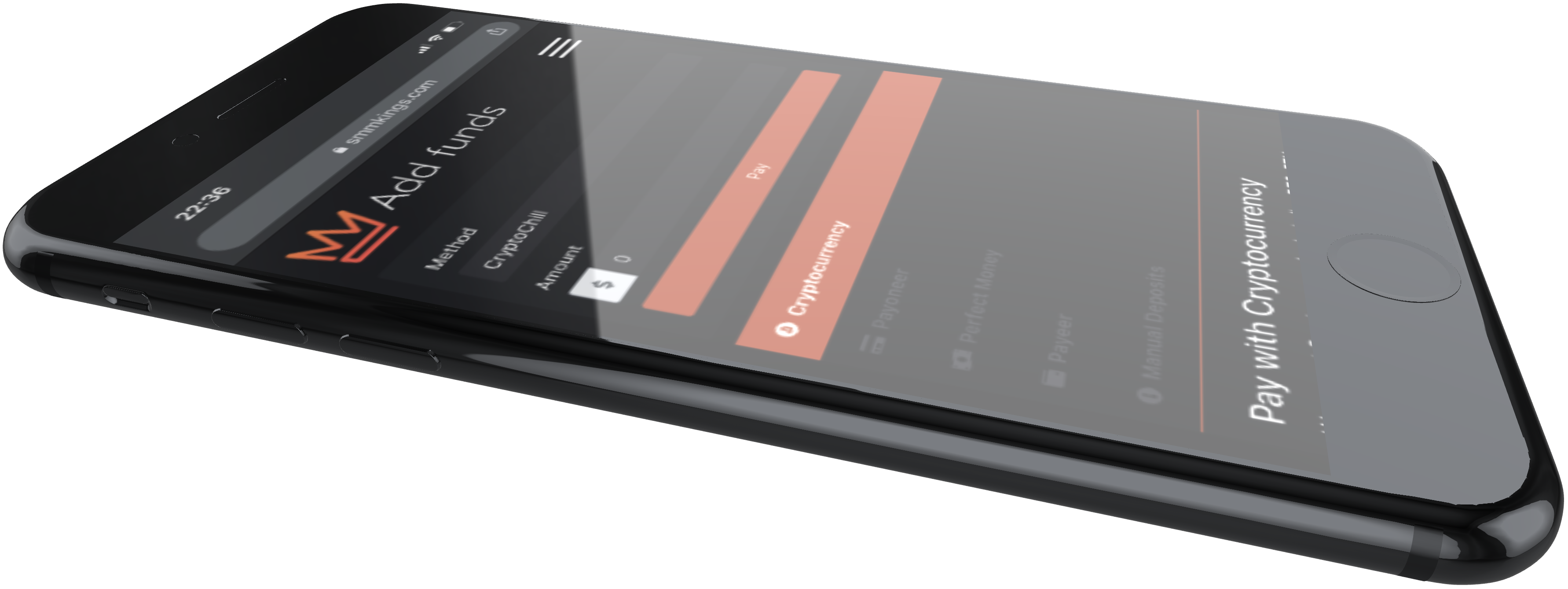
SMMKings Goes Mobile: Introducing Our New iOS, Android, and Telegram Apps!
Speed and convenience are essential when managing your social media growth. You shouldn't have to be tied to a desktop browser to place orders or track your progress. That’s why we are thrilled to announce a major upgrade to the SMMKings ecosystem: We are now fully mobile.
Whether you prefer a native app experience or the speed of Telegram, we have a solution that puts the power of SMMKings right in your pocket.
1. The SMMKings Mobile App (iOS & Android)
We have officially launched our brand-new mobile application, available for download now!
Built with privacy as our top priority, the new app offers a secure and seamless interface designed specifically for mobile users. You can now manage your campaigns anytime, anywhere, with the same reliability you expect from our desktop panel.
- Status: Currently in Beta Mode.
- Availability: iOS and Android.
- Feedback: We are continuously rolling out updates and improvements. We encourage you to explore the app and share your thoughts—your feedback helps us perfect the experience!
2. The SMMKings Telegram Mini-App
Prefer to keep everything inside your favorite messaging app? You can now place, track, and manage all your SMMKings orders without ever leaving Telegram.
The official SMMKings Telegram Mini App brings the full power of our panel into a lightweight, ultra-fast interface. No browsers, no new tabs—just pure speed.
Why use the Telegram Mini-App?
- Seamless Integration: Open the app directly inside Telegram.
- Cross-Device Sync: Link your account once and use it on any device where you have Telegram.
- Enhanced Security: Features PIN protection for added safety on any device.
How to get started:
- Open the Mini-App inside Telegram.
- Log in with your existing SMMKings username and password.
- Done! Your account is linked.
⚠️ Important Note for Google Login Users:
If you usually sign in to SMMKings using your Google account, please note that Google Sign-In is not currently supported inside Telegram’s WebView. The Fix: Simply reset your SMMKings password once via the website to create a manual password. You will then be able to log in instantly via the Telegram Mini App.
Ready to take SMMKings with you?
Whether you choose the privacy-focused Native App or the ultra-fast Telegram Mini-App, managing your social media growth has never been easier. Install them today and experience SMMKings on the go!